
Breaches keep happening. Here is what you can still control
In short: on 28 October 2026, the personal details of more than 40,000 people who work for the US Department of Homeland Security were published online. No one can undo a breach like this from their own phone or computer, and Doughnut Forge would not have prevented it. But it is a clear reminder of where your own data lives, and of the part you can still control: your private files and messages.
What happened
According to NPR and the BBC, a hacking group published the names, phone numbers and work addresses of more than 40,000 DHS staff and contractors. The BBC puts the figure at more than 41,000.
The group claims it got in through a single sign-on service, the kind of tool many organisations use to control who can log in to their internal systems. The company behind that service told the BBC it has “no evidence our data or systems were compromised”. DHS has said only that it is “aware of a potential breach”.
The BBC reports that this is “the third time in recent weeks that a government agency has been targeted by leaks or hacks”.
Your data already lives on systems you do not control
The details in this leak sat on systems run by someone else, as most people’s details do: an employer’s staff records, a bank, a phone company, a health service, an online shop.
You cannot choose how those systems are built or protected, and breaches of large organisations keep happening. There is no setting on your own phone that changes that.
What you can choose is what you add to that pile yourself. Every private file you upload to an online service, attach to an email or keep in a shared folder becomes one more copy that someone else holds.
What you can control
A few habits reduce how much of your private life sits, readable, on other people’s servers:
- Encrypt private files before they go anywhere. The UK Information Commissioner’s Office puts it simply: “you could encrypt the data yourself before you upload it” (ICO: Encryption scenarios). A locked file in a cloud folder or a mailbox is unreadable to anyone you did not choose.
- Keep the key with you. The ICO adds that this helps only if you do not also store the key in the same cloud storage.
- Prefer tools that need no account. If an app needs you to sign in, something about you lives on a server.
- Have a way back that you hold. A written backup phrase in a safe place means you do not depend on anyone else to recover your access.
None of this needs to be complicated. Owning your encryption is no longer a luxury: it is a sensible default for anything you would not want read by strangers.
Where Doughnut Forge fits
Doughnut Forge is built for exactly this part of the problem: your own files and notes.
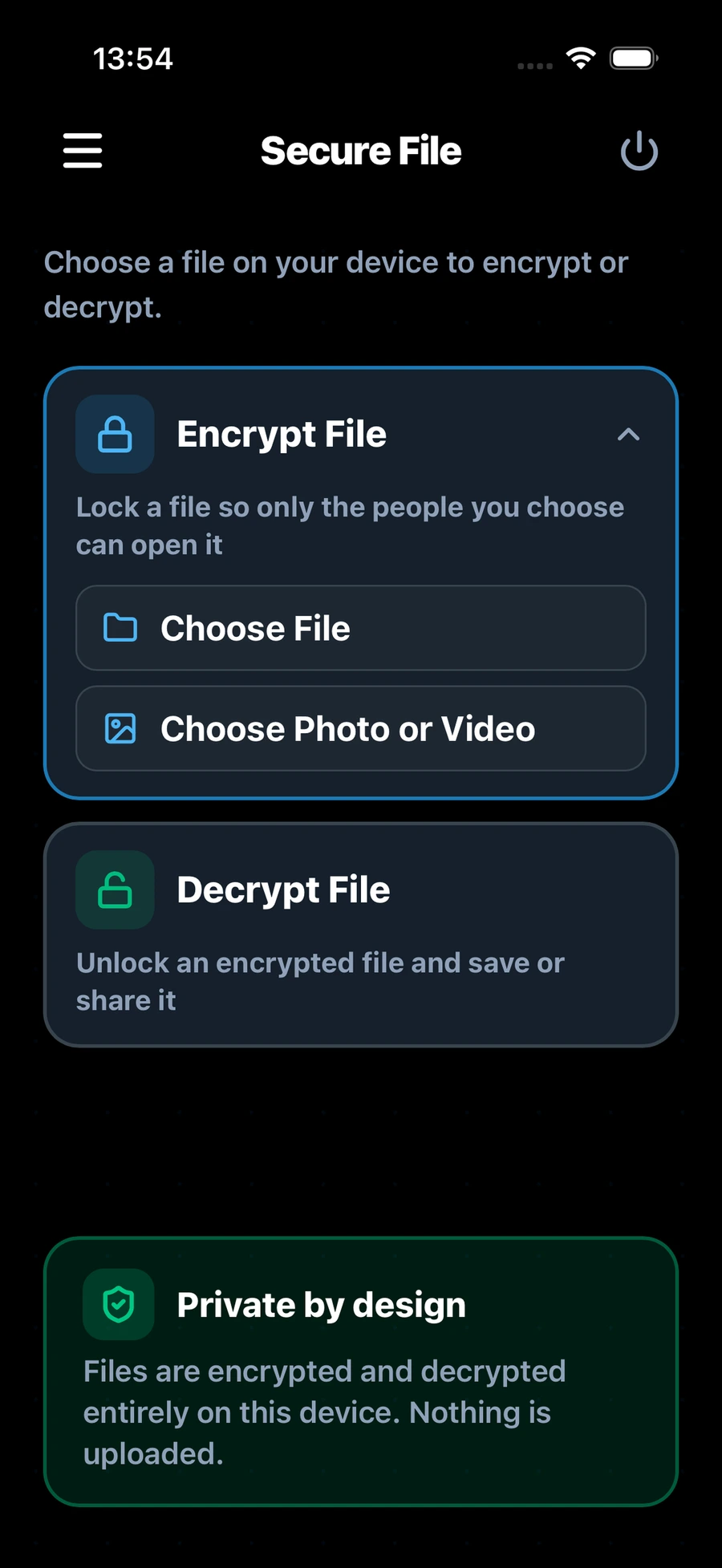
- It works on your device. It encrypts files and text on your iPhone, iPad, Mac or Windows PC, and works entirely on the device, even without an internet connection. On a computer it can also encrypt whole folders.
- There is no server copy. Doughnut Forge has no servers and needs no account. Your password and keys are never stored on a server or sent across the network, so there is no Doughnut Forge server holding your files or keys.
- Private messages too. You can encrypt a private message for your contacts and share it however you like.
- You choose who can open each file. When you encrypt a file, you pick who can open it. Each of them opens it with their own identity, so there is no file password to send.
- The locked file can go anywhere. Keep it on your device, put it in a cloud folder, or send it by email, in a messaging app or on a USB stick. Only the people you chose can open it.
- You hold the way back. When you create your identity, the app gives you a 24-word backup phrase to write down and keep safe.
To see how it works step by step, read How to encrypt files on a Mac without using the cloud and How to share encrypted files with someone you trust.
What it cannot do
It is worth being plain about the limits:
- It cannot protect data that other organisations hold about you. Your details in an employer’s or a company’s records are protected, or not, by that organisation.
- It cannot protect a file that is already unlocked. Once someone you trust opens a file, what they do with it is up to them.
- It cannot rescue lost keys. If you lose your password and every way to recover your identity (your 24-word backup phrase), your files cannot be opened. There is no server copy to fall back on, by design.
The part that is yours
Breaches like this one are out of your hands. Your own private files and messages do not have to be. Keeping them encrypted on your own device, with the key in your hands, means that whatever happens to the systems around you, those files stay locked to anyone you did not choose.
Get Doughnut Forge for iPhone and iPad, Mac or Windows. It is a one-time purchase on each platform, never a subscription.