
Offline file encryption: how it works and what it protects
In short: offline file encryption locks a file on your own device, with keys that stay on that device. Wherever the locked file goes next, whether that is a cloud folder, an email or a USB stick, it stays unreadable to anyone you did not choose. It cannot protect a file that is already unlocked, and it cannot rescue you if you lose your keys.
What “offline encryption” means
Encryption turns a file into data that looks random. Only someone with the right key can turn it back. “Offline” describes where that happens: on your own computer or phone, with no account, no server and no internet connection involved.
Two things make it offline:
- The locking happens on your device. The file is encrypted before it goes anywhere.
- The keys stay on your device. No company holds a copy that could unlock your files.
Where your files are exposed
Often, the bigger risk to a private file is not someone breaking the encryption. It is the file sitting, readable, somewhere you do not control.
Many cloud services do encrypt the files you store with them. But as the UK Information Commissioner’s Office explains, the provider typically manages the encryption keys, and that “does not prevent cloud providers from accessing the data” (ICO: Encryption scenarios). The same goes for an email sitting in a mailbox, or a file shared through an account that someone else could sign in to.
Devices get lost, too. The ICO’s examples include the loss of an unencrypted USB stick holding a case file, which led to enforcement action.
Encrypted by an online service
- The service usually holds the key.
- It can read your file if it needs to.
- A stolen account password may open it.
Encrypted on your own device
- Only you hold the key.
- The service stores a locked file it cannot read.
- The file stays locked wherever it goes.
What changes when the lock happens on your device
When a file is encrypted on your own device, the ICO describes the result plainly: “the cloud provider only stores the ciphertext and has no access to the encryption keys or the original data.” Ciphertext is the locked, unreadable version.
That changes what each place can see:
- A cloud folder holds a locked file. Neither the provider nor anyone who gets into your account can read it.
- An email provider or messaging app carries a locked file. Its servers never see what is inside.
- A lost USB stick gives whoever finds it a file they cannot open.
You can still use the cloud
Offline encryption does not mean giving up cloud storage or email. It means doing the encryption first. The ICO suggests exactly this: “you could encrypt the data yourself before you upload it”, as long as you do not also store the key in the same cloud storage system.
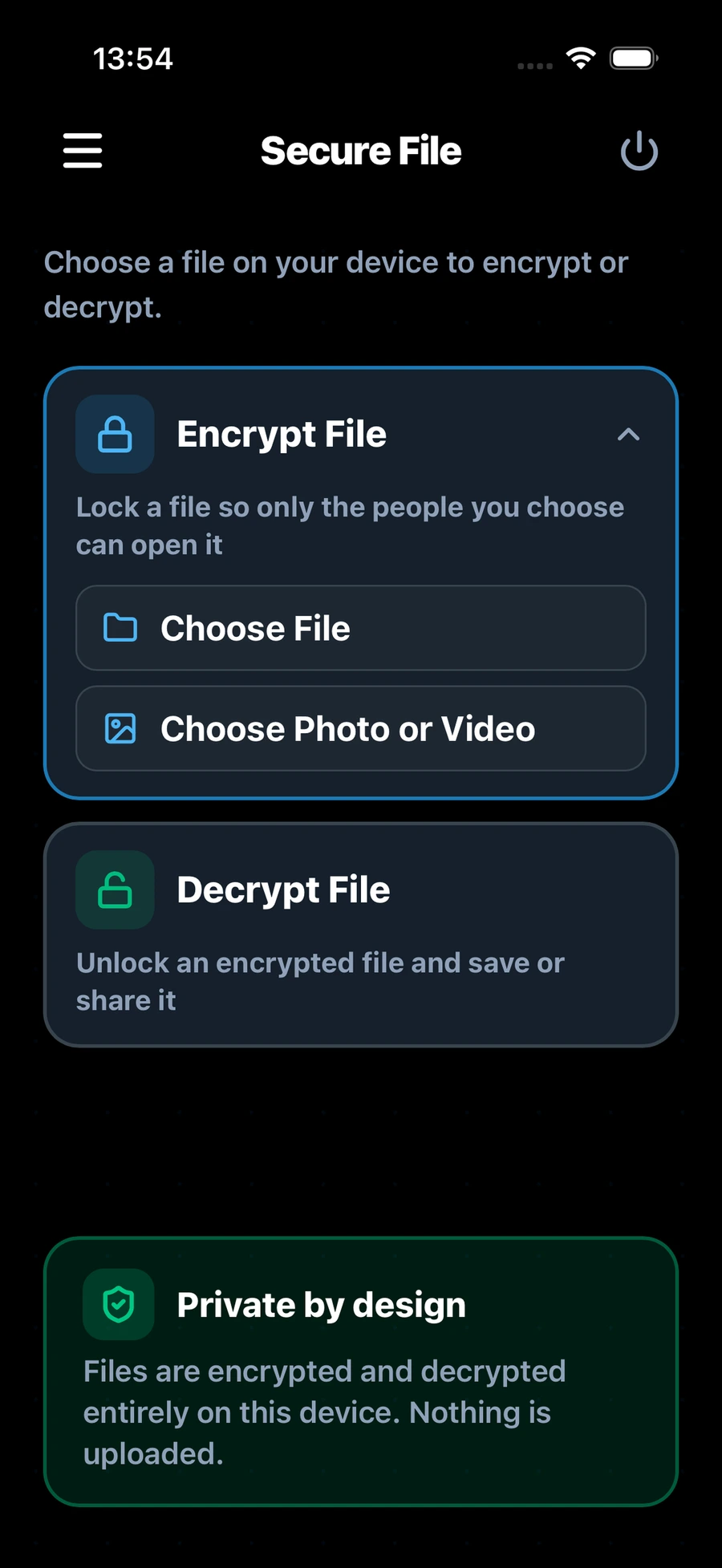
Doughnut Forge works this way. It encrypts files on your device, and you can then keep the locked file on your device, in cloud storage, or send it however you like. Only the people you chose can open it.
What offline encryption cannot do
It is a strong protection, but not a complete one. Be clear about its limits:
- It cannot protect a file that is already unlocked. Once someone you trust opens a file, what they do with it is up to them.
- It cannot help if you lose your keys. With no server copy, no one can reset them for you. In Doughnut Forge, if you lose both your password and your 24-word backup phrase, your identity and encrypted files cannot be recovered.
- It cannot protect a device someone else controls. If a device is already compromised, anything you open on it can be seen.
What to look for in an offline encryption app
- No account. If an app needs you to sign in, something about you lives on a server.
- It works without the internet. Try it with Wi-Fi turned off.
- Your keys stay on your device. The app should say so plainly.
- A clear way to recover. Look for a backup method you control, such as a written backup phrase.
- No tracking. A privacy tool should not collect data about how you use it.
Doughnut Forge meets each of these. It needs no account and has no servers or tracking. It works entirely on your device, even without an internet connection, and your password and keys are never stored on a server or sent across the network. This website has no analytics, cookies or tracking scripts either; see the privacy policy.
To try it yourself, read How to encrypt files on a Mac without using the cloud. To send a file to someone, see How to share encrypted files with someone you trust. For what is coming next in encryption, read What quantum-safe encryption means, in plain language.